GTA 6 Server Launch Day Checklist
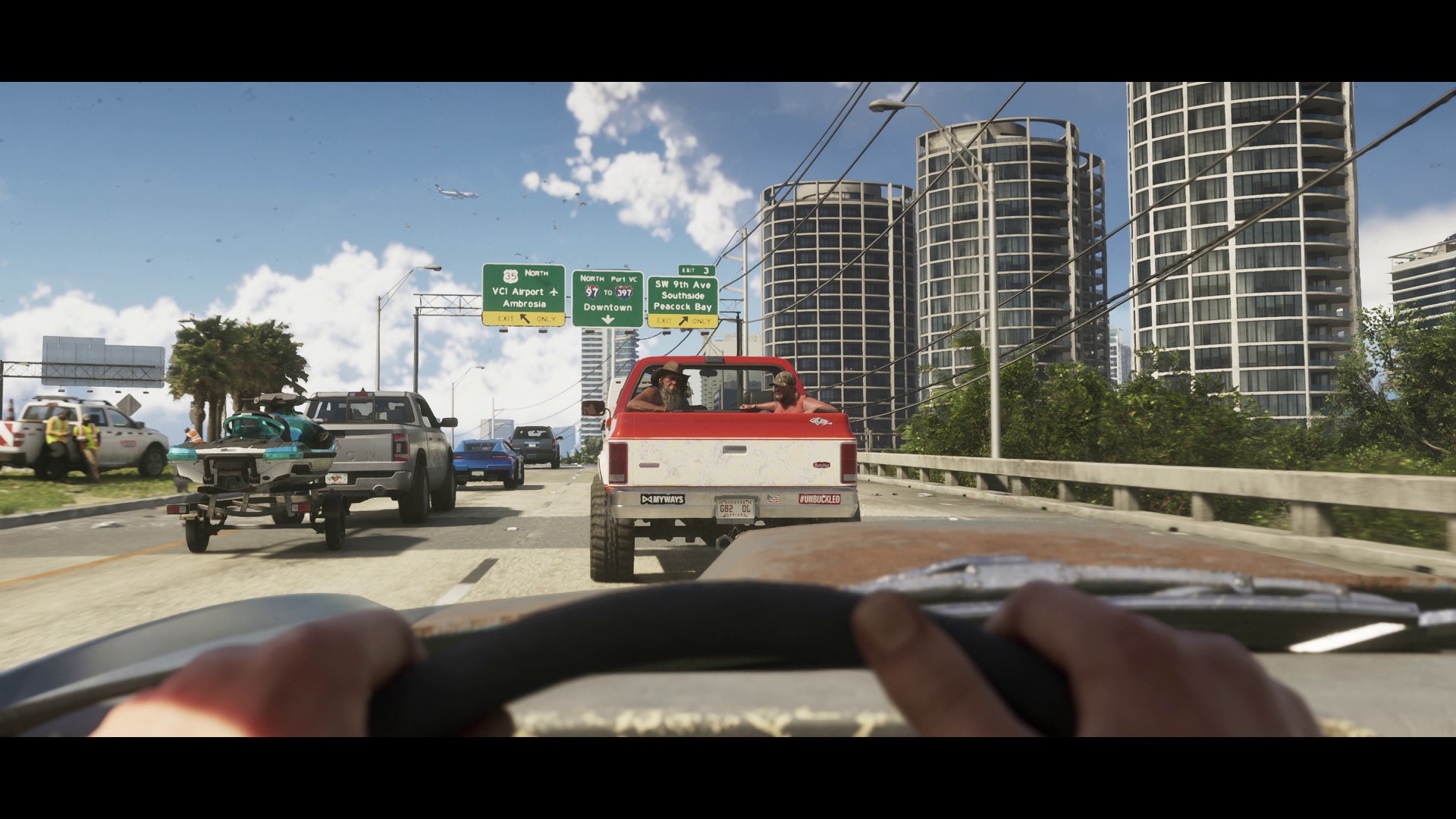
Launch days should be boring. If you're reading this guide one month before GTA 6 comes out, your goal is to take the chaos of launch and make it into a checklist you can execute calmly while your community looks on.
Note: multiplayer aspects may change depending on what Rockstar announces from now until November. This checklist is based on the assumption of a self-hosted server route (like FiveM for GTA 5). Should the official multiplayer story take a different route, modify this list accordingly.
Seven days before launch
- Finalise hardware. If you haven't settled on a hardware tier by now, pick the higher one.
- Freeze your ruleset. Stop editing it. Post it on your Discord for everyone to see.
- Perform a full backup test. Don't just take a backup, restore it into a staging environment and confirm the server boots.
- Tell people ahead of time when your soft launch will be. There is nothing more chaotic than everyone speculating about when you are going live.
- Notify your host's support team that you are a launch-day customer. Request a dedicated contact for the first 72 hours.
Forty-eight hours before launch
- Do a full chaos drill. Kill your database. Block a port. Simulate a staff member being unavailable. Measure recovery time.
- Verify in writing that all staff know their role on launch day.
- Warm up your Cloudflare cache. Ensure your status page is live and linked in Discord.
- Validate your monitoring. If an alert fires on launch day, you should get a phone notification, not an email no one pays attention to.
Two hours before launch
- Announce in Discord that you are going into pre-flight. Post the status page URL again.
- Restart the server cleanly. Take baseline numbers: CPU, RAM, tick rate.
- Re-check the whitelist. Test logging in with a staff account, not a founder account.
- Make sure the Discord bot is online. Test its commands.
- Check that backups are running on schedule.
The first hour
- Allow staff and RP testers onto the server first. 10 people.
- Watch the tick rate, RAM increase, and database connections.
- One staff member to monitor player reports. Not taking action on them yet. Just logging for now.
- After 30 minutes of stable tick rate, open to whitelist tier one.
Hours one to six
- Continue adding people in tiers. Don't open the floodgates.
- Triage player reports in 10-minute bursts. Batch similar problems together.
- Don't ship code you haven't tested.
- Snack. Drink water. Nobody makes good decisions when tired. A small launch team beats an exhausted one.
The first 24 hours
- Take notes on everything you decide, and why. You'll forget by Tuesday.
- Perform a thorough incident review at hour 24 with your entire staff. What failed, what was remediated, what is outstanding.
- Share a brief synopsis with your player base. Being transparent builds trust from day one.
- Plan your first script deploy for 48 hours out, not right away.
Things that usually break on launch day
- DNS propagation, especially if you've made any A record changes in the past 48 hours.
- Database connection pools exhausting.
- A noisy script that worked perfectly with 5 people and explodes when you have 50.
- Your Discord bot rate limiting because you failed to set up an application properly.
- A staff member being unaware of where the emergency shutdown procedure is documented.
Related reading
For a broad view of the prep plan, read our seven-month prep guide. For the underlying stack we recommend, see how to start a GTA 6 RP server. For scaling after launch, check out our 32 to 128 slot scaling guide.
Frequently Asked Questions
What is the biggest risk on GTA 6 launch day?
Not having a rollback plan you've tested. Something will break, and without a quick way to revert changes, what should be a single incident turns into an all-nighter. Rollbacks should be tested before launch day, not during.
Should I open to full player count on day one?
No. Open it up to staff first, then slowly tier in whitelisted players over the course of several hours. Monitor tick rate and memory usage at every stage. A slow ramp lets you catch issues before your entire player base experiences them.
What should I NOT do on GTA 6 launch day?
Don't deploy scripts you haven't tested beforehand, don't modify DNS records, and don't attempt to tweak performance live. Go-live day is for execution, not experiments.